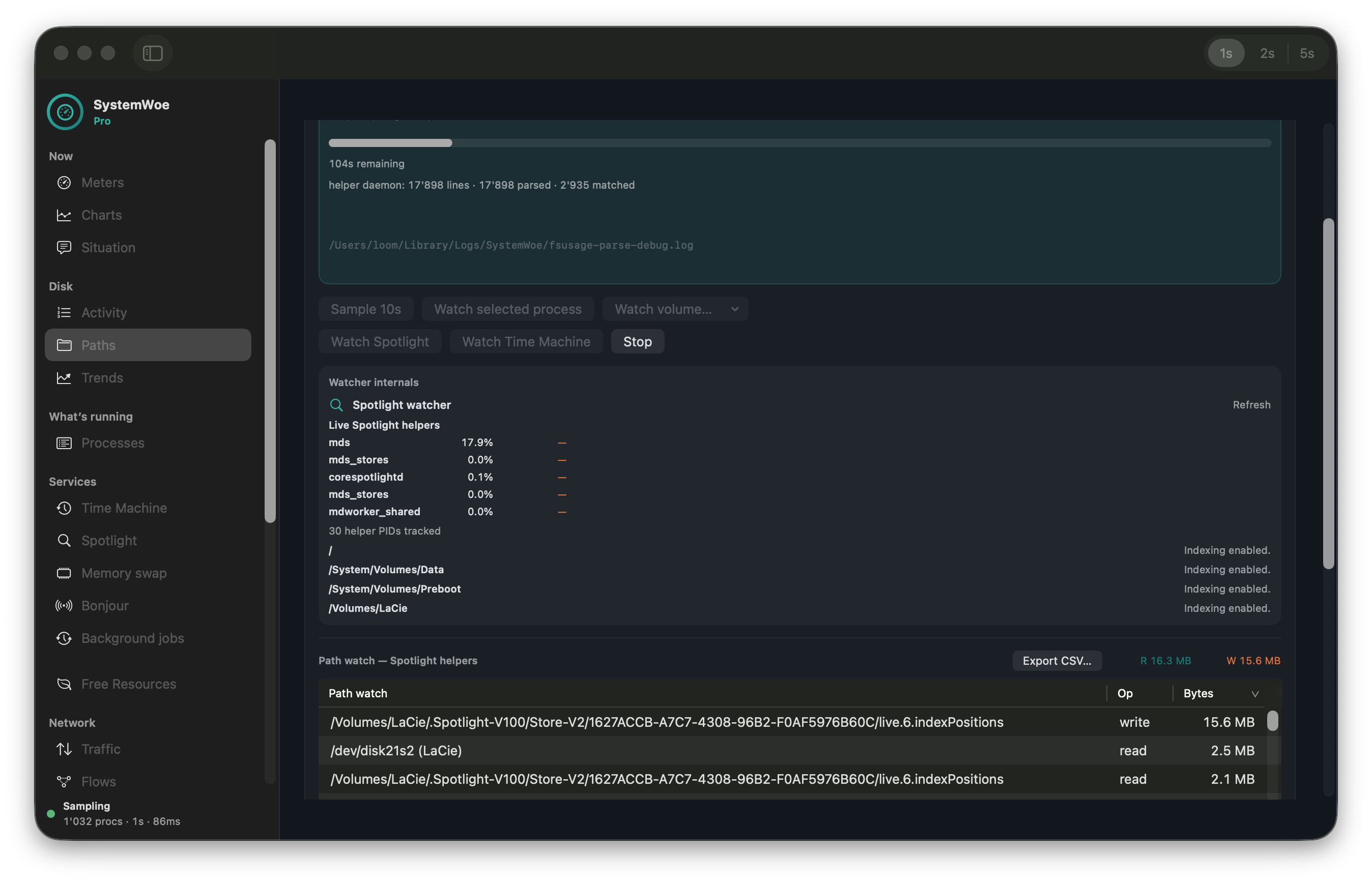
What is my disk doing?
Host disk + swap strip, cause chips (Spotlight, Time Machine, swap, Bonjour, Docker), and top writers — not just a sorted process table.
What on earth (Woe) is my system doing? See who’s using CPU, memory, disk, and network — in plain English — then free what’s safe.
Woe is short for What on earth?We briefly hesitated over a more… explicit expansion. App Store reviewers (and polite dinner guests) thank us for stopping.
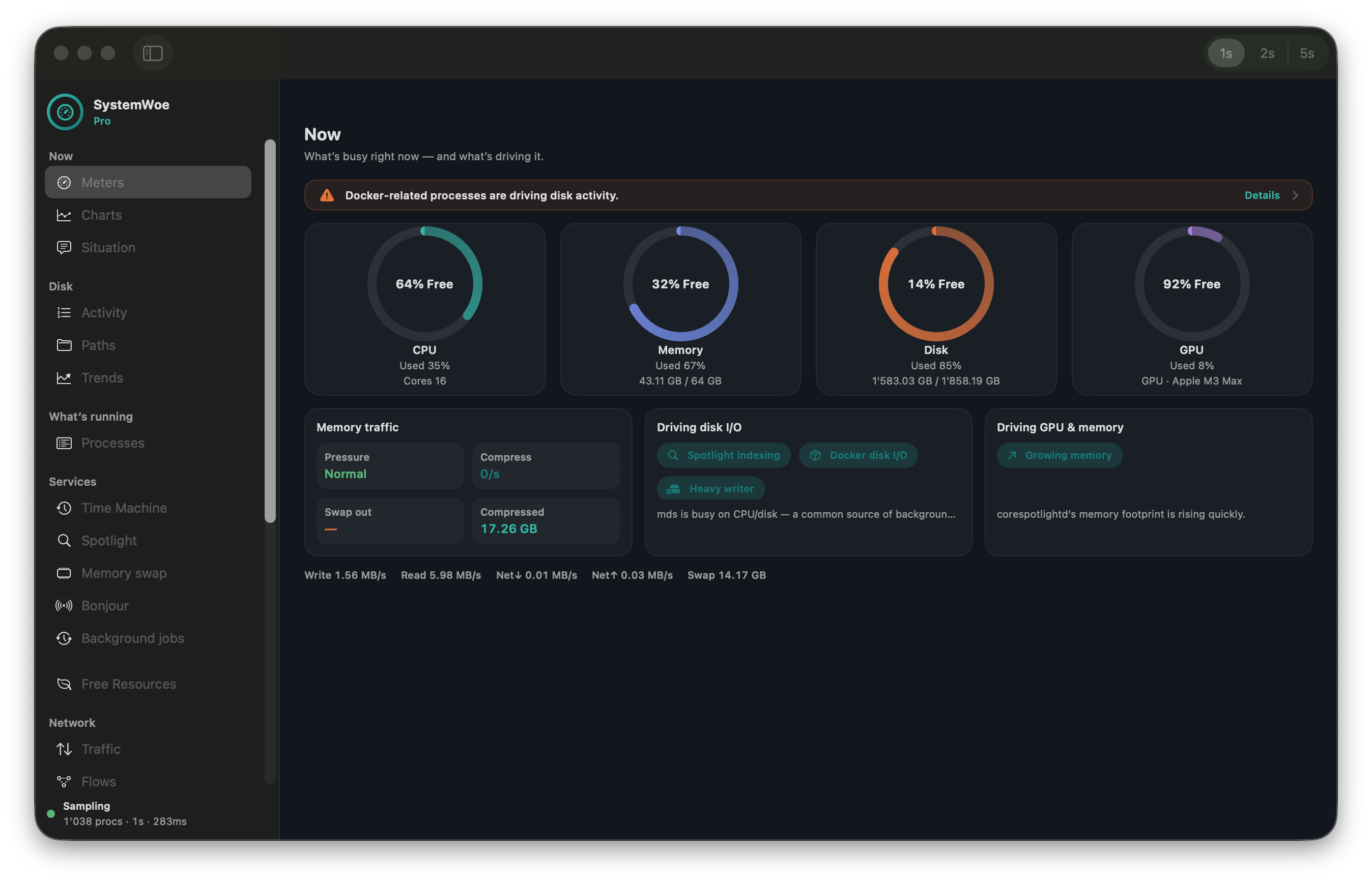
Activity Monitor shows numbers. SystemWoe names the culprits — and what to do next.
Host disk + swap strip, cause chips (Spotlight, Time Machine, swap, Bonjour, Docker), and top writers — not just a sorted process table.
A growing encyclopedia explains Spotlight helpers, browsers, daemons, and more — available offline and kept current on Free and Pro.
Ranked Free Resources actions with keep-guards. Quit your own apps on Free; Pro adds force-terminate and Docker stop — never silent cleanup, never quit Docker Desktop.
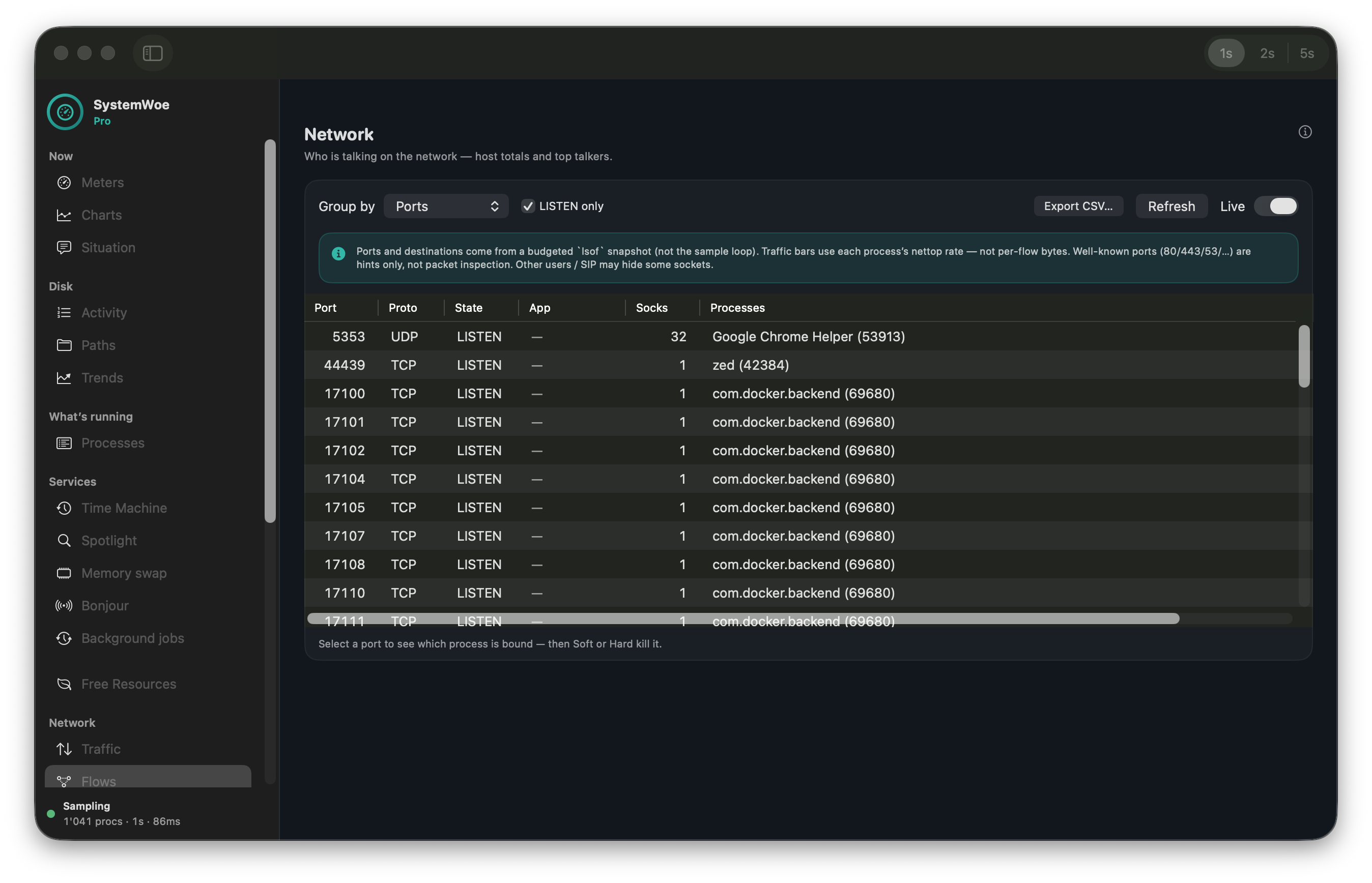
Scan listening ports and see which process bound them. Soft or hard kill with keep-guards — no mystery lsof hunt.
Observe container CPU, memory, and disk I/O. Inventory stays optional and observe-only.
Two products, one mission. Purchasing Pro does not unlock features inside the Mac App Store Free app — Free stays free.
| Capability | Free (App Store) | Pro (direct) |
|---|---|---|
| Menu bar + Now meters / situation | Yes | Yes |
| Process encyclopedia (download + submit) | Yes | Yes |
| Disk Now — writers, swap, cause chips | Yes | Yes |
| Sortable disk / network MB/s | Best-effort | Full |
| Open-files snapshot | Yes | Yes |
| Quit own user apps + copy recipes | Yes | Yes |
| Force-terminate / Soft+Hard port kill | — | Yes |
| Path Sample / Watch + FS Activity | — | Opt-in |
| Spotlight & Time Machine live panels | Explain only | Live + recipes |
| Exclude tips (e.g. node_modules) | Generic tip | Evidence + copy |
| Network ports & destinations | — | Scan / Live |
| Docker inventory & stats | — | Observe-only |
| Background jobs / scheduled agents | Explain only | Inventory |
| Thermals & Power (powermetrics) | — | On demand |
| Local history + CSV export | ~60s in memory | Tiered DB |
Prometheus scrape (127.0.0.1) | — | Opt-in · Settings → Integrations |
| MCP server (read-only local tools) | — | Opt-in · Cursor / Claude Desktop |
| Inspector · Homebrew · advisories | Limited | On demand |
| Channel & updates | Mac App Store | Notarized + Sparkle |
| Price | $0 | Pro $49 / Duo $69 |
Disk rates are estimates (macOS buffer cache). Ports are snapshots, not packet capture. Prometheus and MCP bind to loopback only; MCP tools are read-only. SystemWoe never silently kills processes, writes exclude lists, or quits Docker Desktop.